


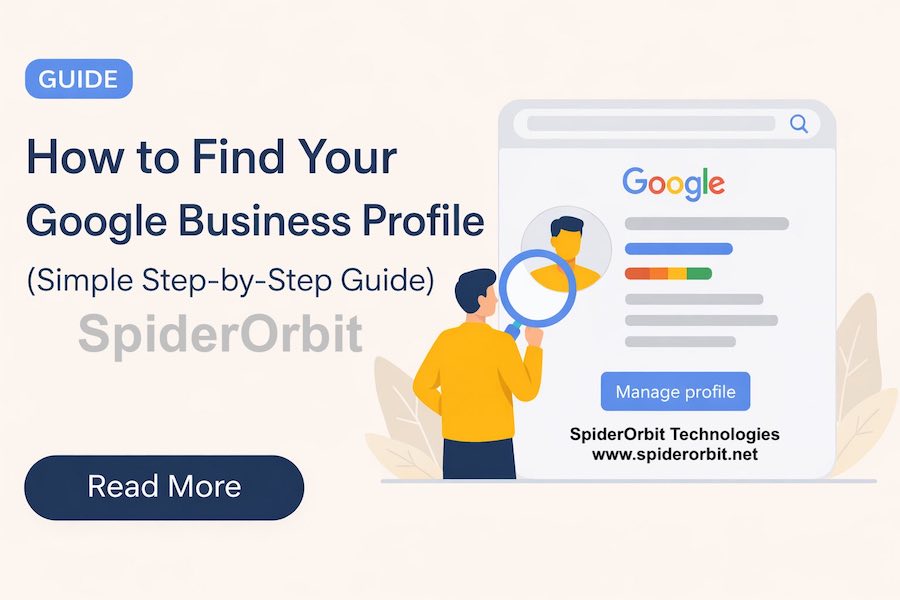
If you own a business then the Google Business Profile is one of the most essential tools available on the internet. It’s what people will see whenever they look up your company through Google Search or Maps.
Many business owners are faced with a single problem: Where do I locate the details of my Google Business Profile?
If you’ve created it just recently or claimed it years ago, or don’t know whether it’s even there this guide will take you through the steps to find your Google Business Profile quickly and properly.
Why Finding Your Google Business Profile Matters
The profile you have created on your Google Business Profile serves digital presence on Google.
Once you have access to it, you can change following details:
- Edit the business information such as business address, hours, and contact no.
- Respond to reviews of customers
- Track calls, clicks on websites and request directions
- Updates or announcements.
- Upload your photos and videos
If you are unable to locate your profile, you’ll be unable to handle any of these that directly affects your visibility and confidence.
Also see: How to Find Right Audience with Location-Based Targeting?
How to Find Your Google Business Profile
1. Sign in to the Correct Google Account
Start through the gmail account you used to claim the Google Business profile. If you have several different Gmail accounts, log in to the right one.
This is crucial because profiles will only show up for the account that controls or controls them.
2. Access Google Business Profile Manager
After logging in, you will see a dashboard that lists the businesses that are linked to your account.
If your company or business is listed then you’ve discovered your profile and you can begin directing it right away.
Check: How to Drop a Pin in Google Maps
3. Search for Your Business on Google or Maps
If you’re unsure if your account is active, you can try looking it up on your own:
- Open Google Search or Google Maps
- Type your business’s name and city or region.
- Search for your business’s listings on the right side of the search results, and as pins on a map.
If your company is listed in a profile, then it’s because it is in place.
If you don’t find management options, it could not be verified or claimed at this time.
4. Check Your Email for Google Notifications
Google often sends out emails in relation to business profiles, such as:
- Verification messages
- Review notifications
- Profile update alerts
Check your Gmail inbox for messages related to business accounts. These emails will confirm that the account is linked with the account.
5. Check Google Search Console (Optional)
If your business is on websites, Google Search Console may display a connection between the website as well as Google Business Profile.
It’s not required, but it could help verify the ownership of your site is connected directly to the page.
What to Do If You Can’t Find Your Profile
1. Check if the Profile Is Unclaimed
Sometimes, a company profile is available but it hasn’t been officially declared by the business’s owner.
- Go to Google Business Profile
- Look up your company’s name
- If asked you to follow the steps, claim the listing
2. Verify Your Business
If the information on your profile isn’t verified, Google will ask you to confirm the identity of the owner.
Methods for verification could include:
- Phone call
- Video verification
After verification is completed Your profile will then be accessible.
3. Contact Google Support
If you think your profile exists, but you aren’t able to connect to it, Google Business Profile support will assist you in finding or retrieving it.
This is helpful in the event that a former employee, agent or partner has created the profile.
Tips to Find Your Profile Easily in the Future
- Save the business profile manager to have easy access
- Make use of Google Search while logged in by typing your company name will often show the management choices
- You can set up email notifications so that you don’t miss any updates
- Include additional managers to prevent losing access
These little steps can save you time and can prevent issues with access later on.
Need Help Finding or Managing Your Google Business Profile?
Finding GBP might be some challenging If it’s created years ago or is managed by someone else.
if you are stuck and looking for expert help to avoid mistakes theSpiderOrbit team can help you to resolve the issue. From locating and confirming your business profile to improve visibility, expert assistance will make sure that your business is visible and has a good reputation online. Here, You can ask for help.
Check: Google Business Profile Suspended? How to Recover Fast



 Search Engine Optimization
 Local SEO
 Web Development
 Content Marketing
 Social Media Marketing
 ORM
ORM